iNCO
iNCO is an enterprise platform for managing large-scale OCR-based digitisation of government documents. It covers the full pipeline from intake through processing, quality review, and final sign-off, giving operators and team managers a single place to run the programme accurately and at volume.
ROLE
PROBLEM
Managing high-volume document digitisation across large teams is operationally complex. The previous setup was fragmented, with limited visibility across processing stages, no reliable way to track quality in real time, and an interface that slowed operators down rather than helping them work.
RESULTS
Teams had clear, real-time visibility into production status and bottlenecks.
Reviewing and correcting OCR output became faster and less error-prone.
Workload distribution and operational planning got easier for team leads.
Accuracy and confidence in digitised document output increased.
The Challenge
Government document digitisation at scale is as much an operational problem as a technical one. You have large teams working in parallel across multiple processing stages, strict accuracy requirements, and a constant flow of documents. The previous setup was fragmented: different tools for different stages, poor visibility across the workflow, and no reliable way to track quality or catch errors early. The later in the pipeline an error went undetected, the more expensive it became to fix.
My Role & Approach
The platform had to work for two quite different users: the operators reviewing and correcting documents, and the team managers overseeing the pipeline. I worked with product managers, engineers, and operational stakeholders to design for both.
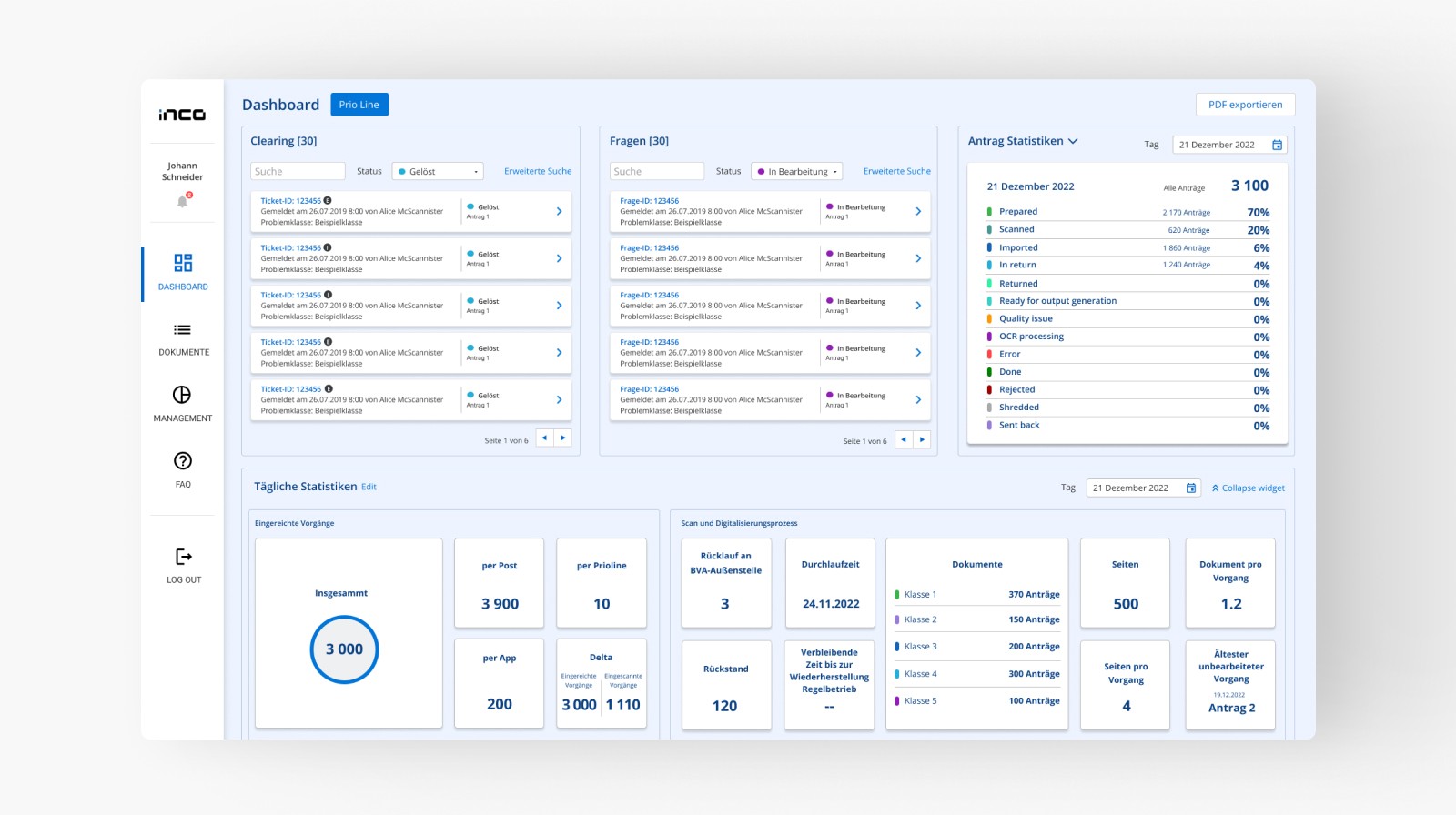
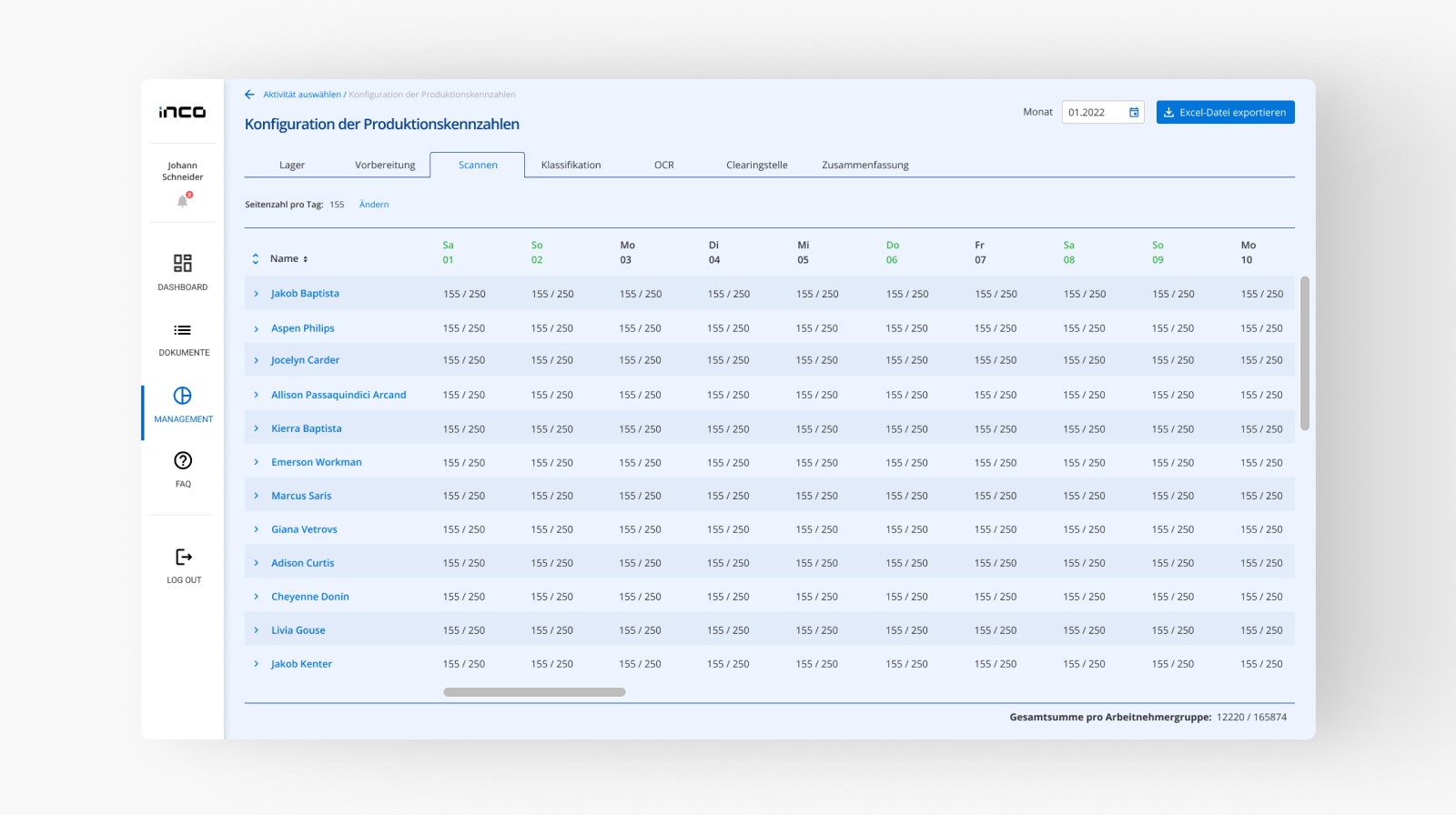
For managers, the priority was visibility. I designed dashboards that surfaced production volumes, team performance, and emerging bottlenecks in real time, so issues could be spotted and acted on before they backed up the queue. Workload assignment tools gave team leads a clear way to distribute tasks based on capacity.
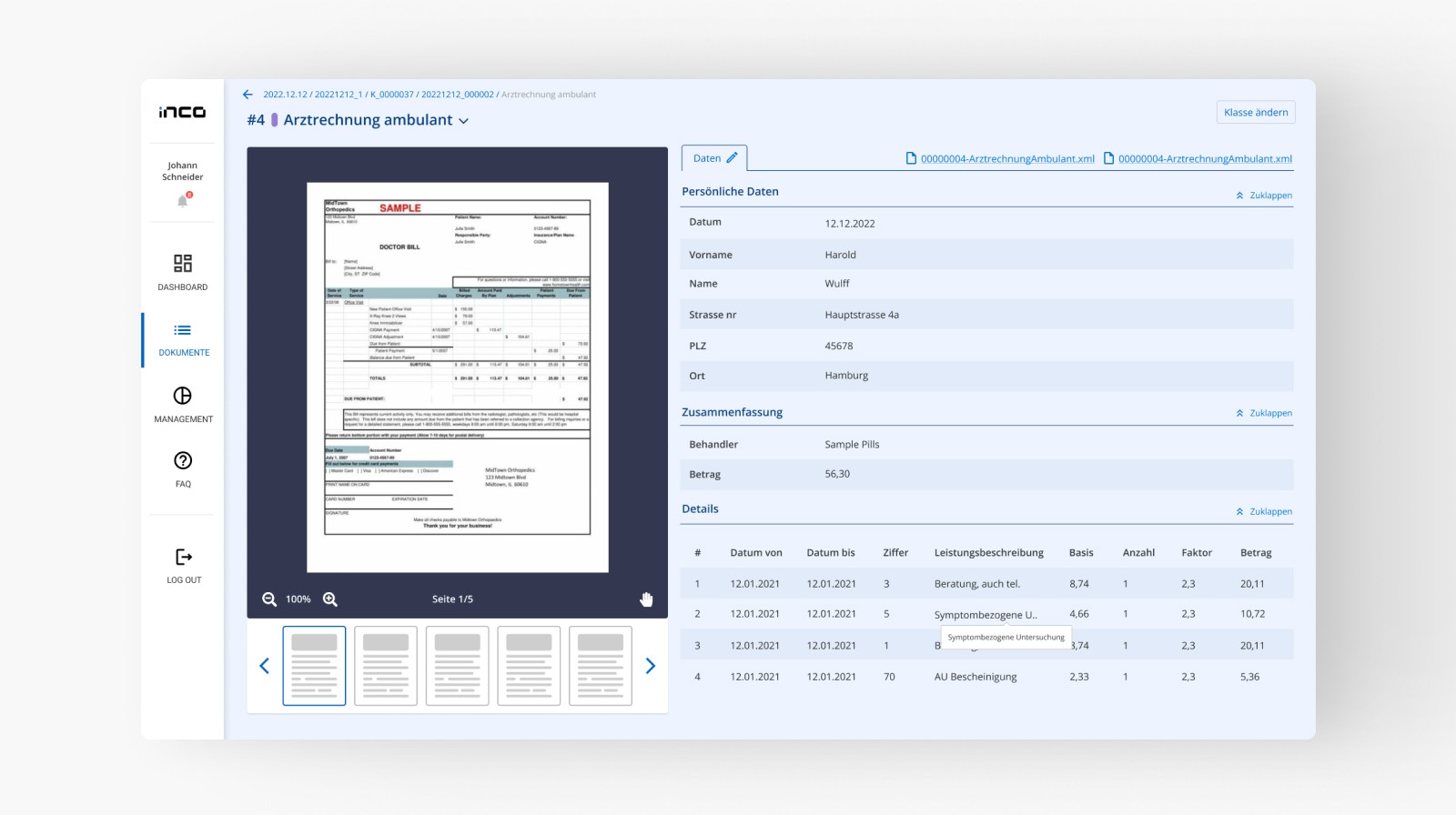
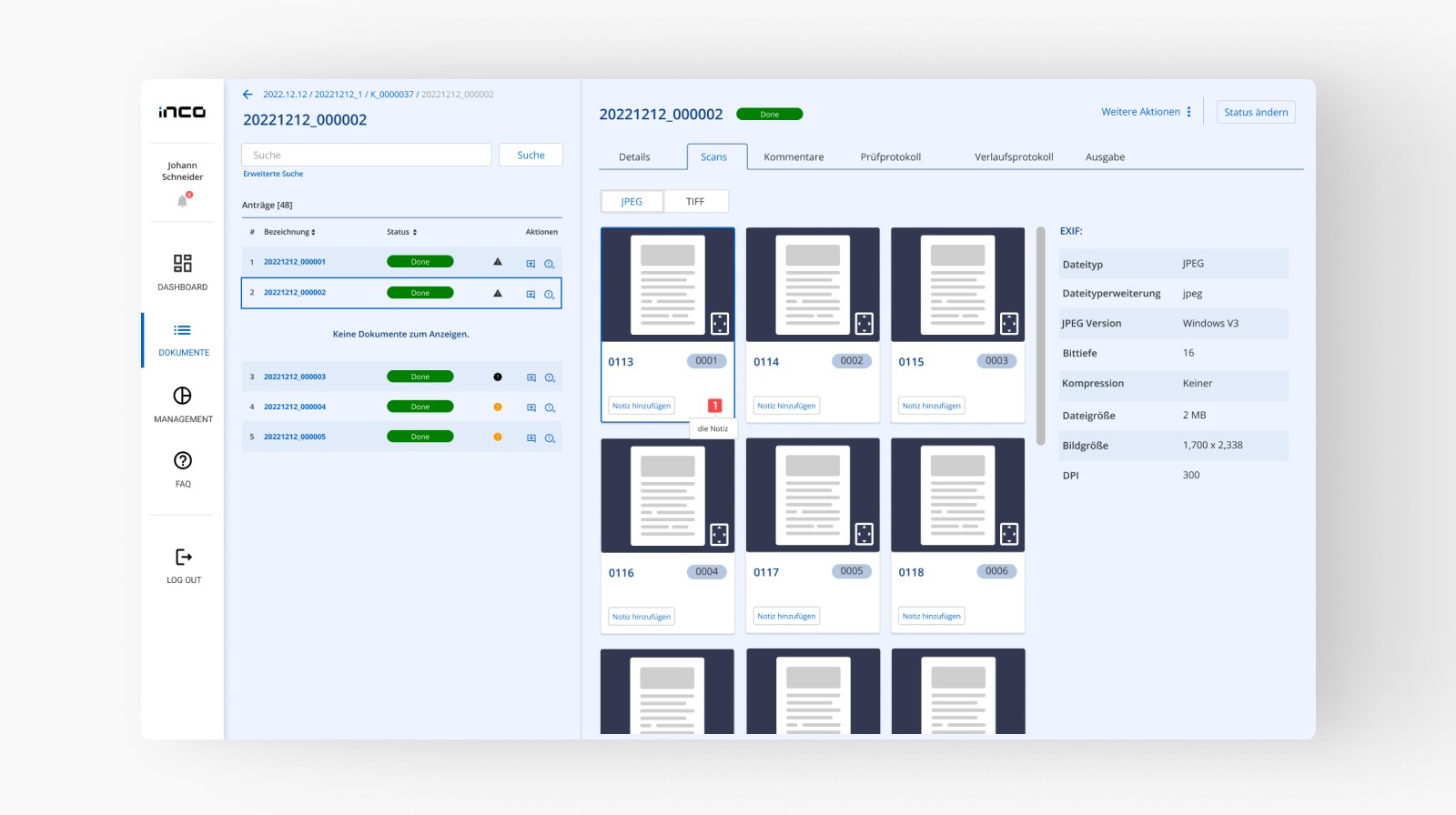
For operators, the work was about reducing friction in the core review loop. Reviewing scanned documents and correcting OCR output is repetitive and requires focus. I designed the interface to minimise unnecessary navigation and keep attention on the document and the decision. I also added validation cues at the points in the workflow where errors were most likely, so problems were caught early rather than compounding downstream.
Outcome
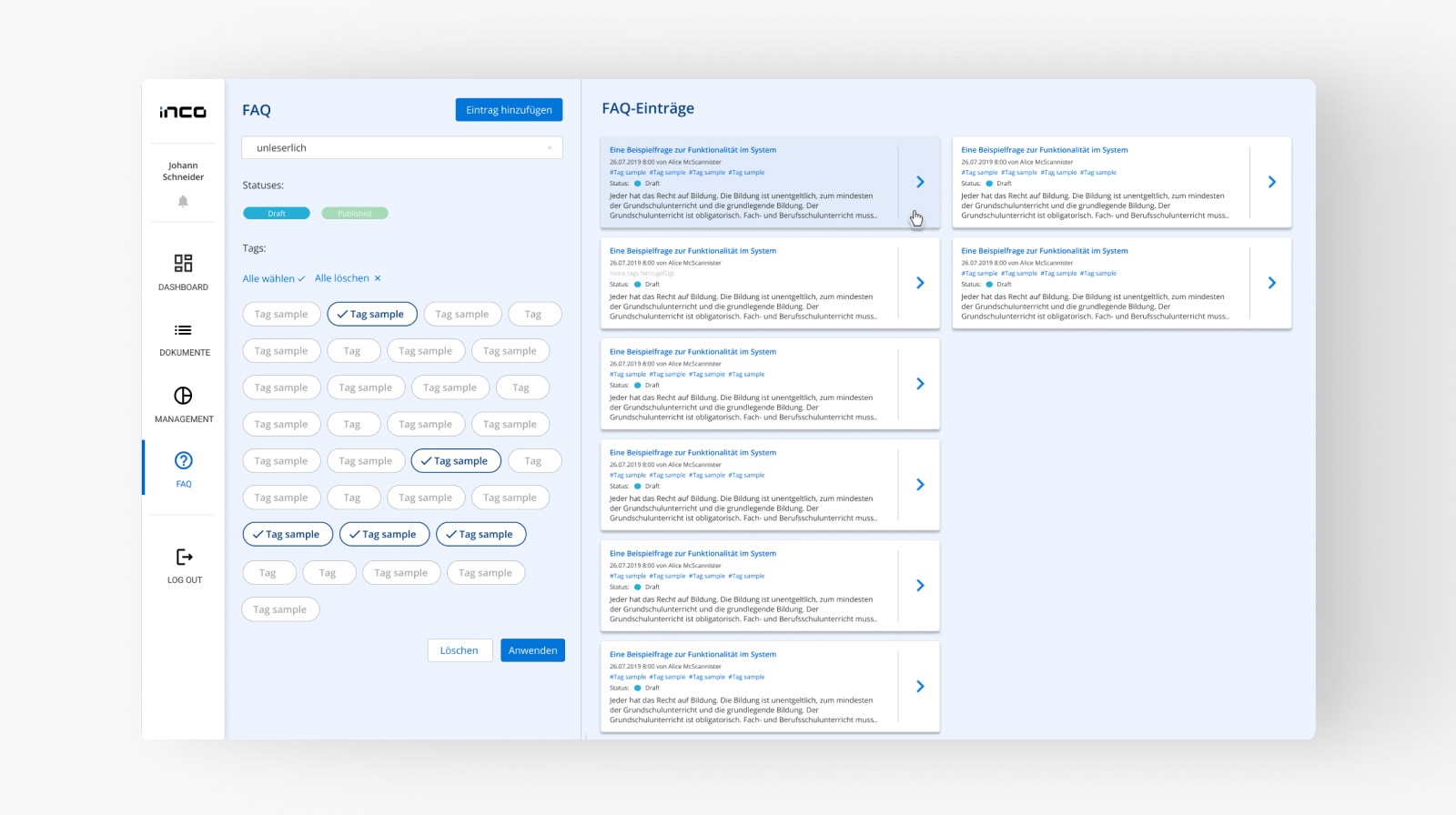
Teams had visibility they hadn't had before. Operators could move through document review faster and with fewer errors, managers could see where the pipeline was struggling, and the quality of the output improved as a result. It also gave the organisation a stable foundation to grow the programme without the chaos of the previous approach.